
Browser access
Chrome and Safari on current Android and iOS releases work consistently. Older in-app browsers inside social apps can strip cookies and break account sessions.
The 567sk mobile experience is built around your browser — open the site on any Android or iOS device and the full lobby loads without a native install.
Most modern phones handle the 567sk mobile layout without any issues, but a quick compatibility check saves you frustration before a live PSL cricket market or a Teen Patti PlayNow session kicks off.
Chrome and Safari on current Android and iOS releases work consistently. Older in-app browsers inside social apps can strip cookies and break account sessions.
The lobby is designed for screens from standard smartphone size upward. Tablet layout scales correctly; very small-screen devices may need horizontal scroll in live-table views.
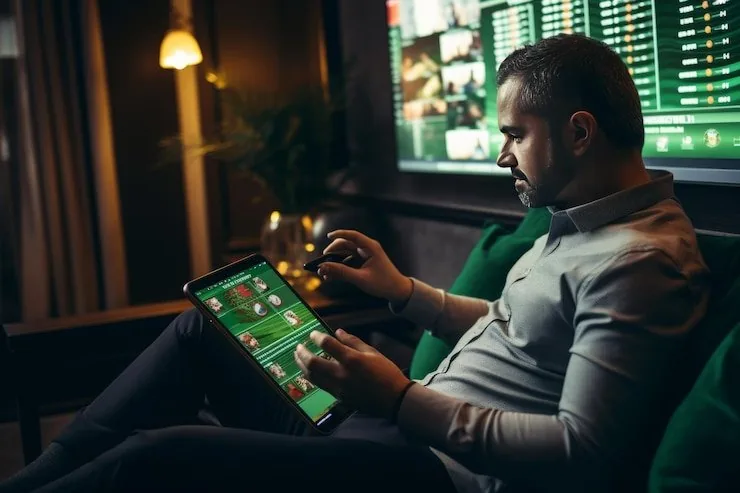
You need an active 567sk account with a verified wallet to access the full lobby. Account creation and wallet linking work on mobile the same way as on desktop.
Getting into the 567sk lobby on your phone does not require an app-store search or an APK download. Your browser does the work. Open the current 567sk address in Chrome or Safari, check that your browser is updated to avoid layout issues on live-table pages, then sign into your account using your credentials or biometric shortcut if your device offers it. If
an official native app becomes available for your device type, a prompt will appear on the site itself — we do not ask you to source it from unofficial channels. Access is subject to local law and supported regions.
The mobile interface on 567sk is shaped around speed and a clean account flow — here are the four capabilities that make a real difference when you're accessing the lobby away from a desktop.
If your phone supports fingerprint or face unlock, 567sk detects it at the sign-in screen and offers that path so you skip the password entirely on repeat visits.
Opt into notifications and 567sk will ping you when a betslip result comes in, a deposit confirms, or a live cricket market opens — straight to your lock screen.
The mobile layout adapts to your phone's dark mode setting, so late-night browsing through the slots or live casino section is easier on the eyes without any manual toggle.
On a weak connection, the lobby shell loads from cache so you can browse game tiles and check your account balance before the full session kicks in on a stronger signal.
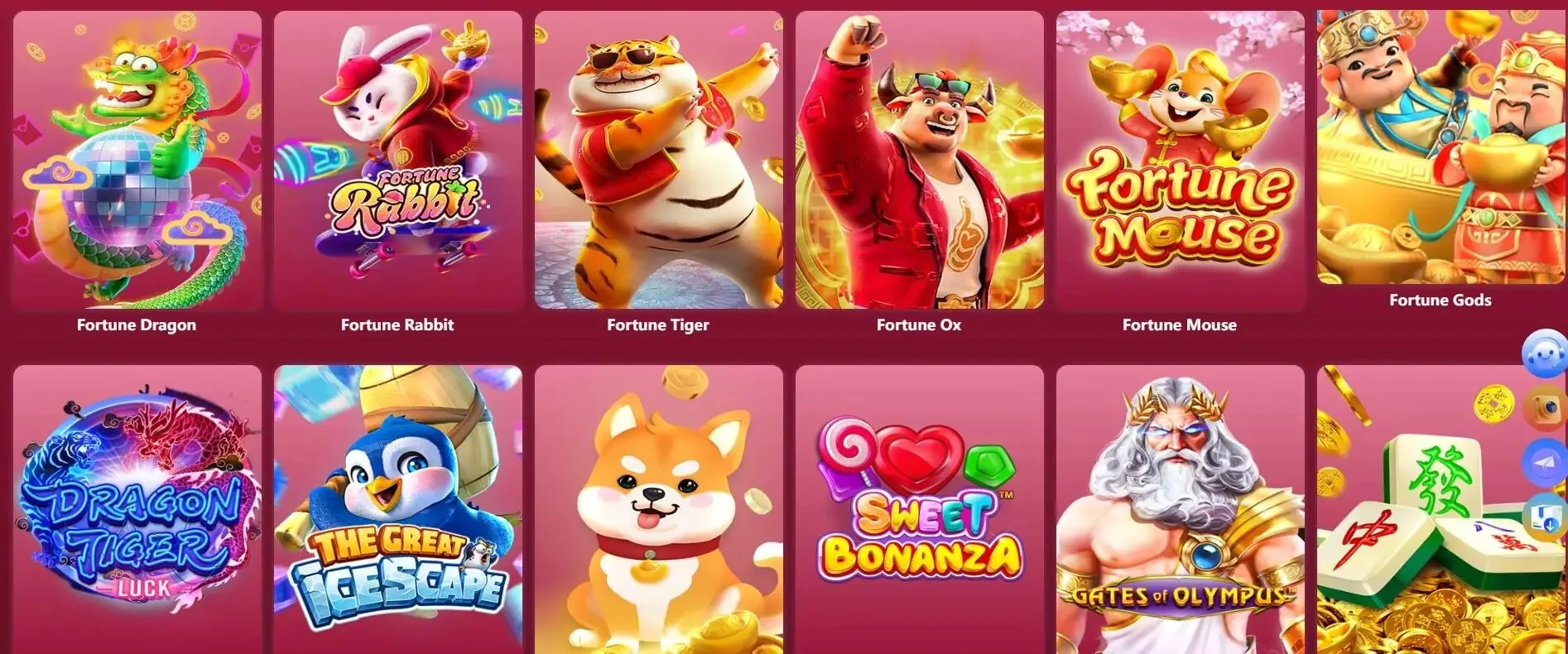
Pull up 567sk on your phone and the lobby reorganises itself for a smaller screen — live tables from Evolution, crash rounds of Aviator, and slots like Gates of Olympus all render cleanly without pinching or zooming. Push notifications alert you when your betslip settles or a deposit via JazzCash or Easypaisa is confirmed on your account. Quick-deposit shortcuts mean you can
fund your wallet and get back to a PSL cricket market in a few taps. If your device supports biometric login, the sign-in screen will prompt fingerprint or face unlock automatically, cutting out the password step entirely.
If you have a question about how to access 567sk on mobile, how the app behaves on your device, or how your account works in the mobile layout, these are the questions we hear most from Pakistan.
Service availability depends on eligible regions and local law. Users should check local rules before opening an account.
Access may be available only where local law permits.